
How it works
KidsCast makes podcasting simple, engaging, and accessible for schools.
We provide everything your school needs to create a student podcast. From broadcast-quality equipment to professional production support.
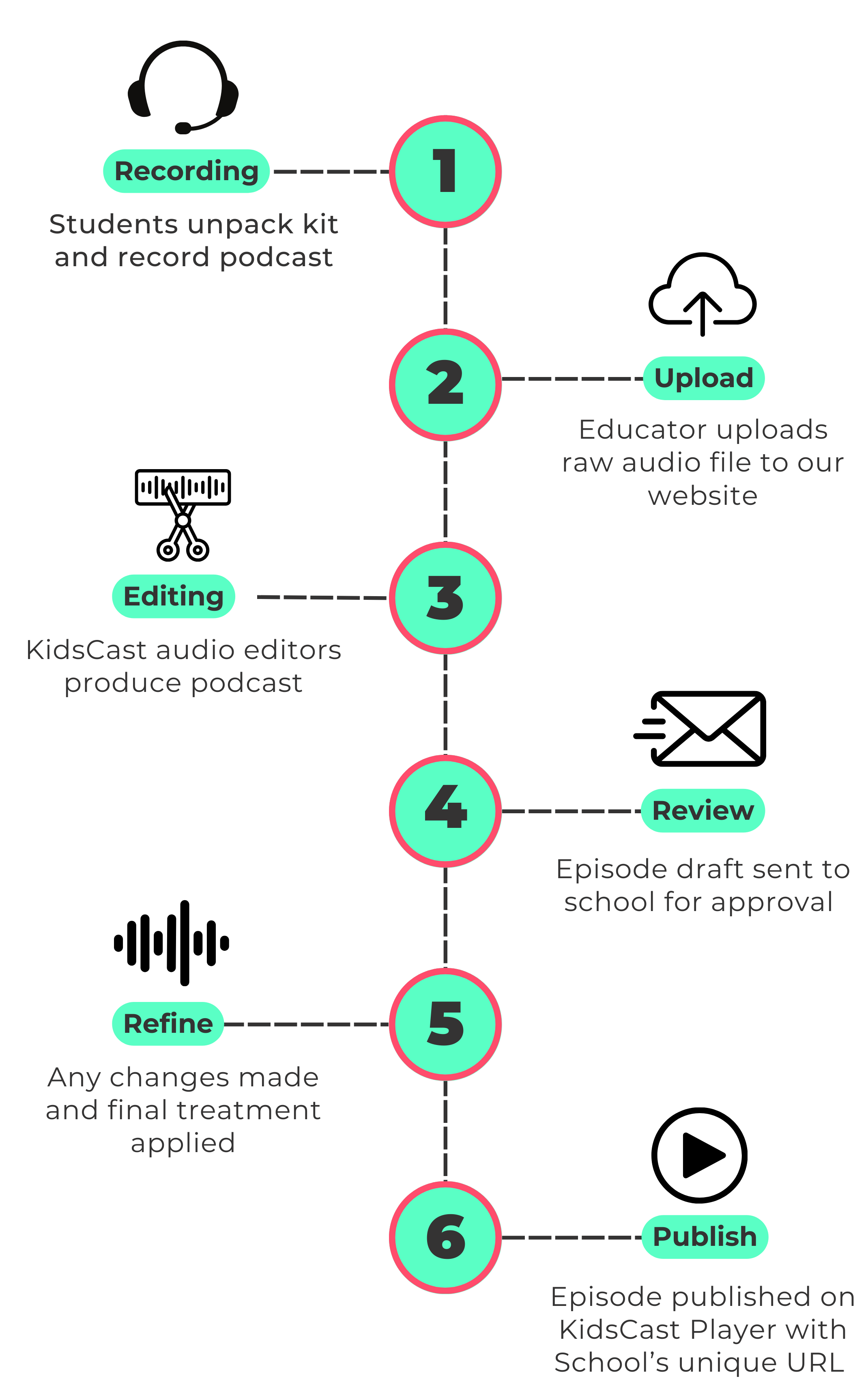
1. Recording
Students unpack the KidsCast kit and record their podcast using our broadcast-quality podcasting station and headset microphones.
The equipment is simple and familiar for students to use, and our student-led setup video, accessed via QR code, guides them through the recording process.
Podcasting helps students build:
• confidence speaking
• interviewing skills
• communication and storytelling
• teamwork and collaboration
2. Upload
Once the recording is complete, an educator simply uploads the raw audio file to the KidsCast website.
The process is quick and easy, allowing teachers to focus on supporting students rather than managing technical production.
3. Editing
Our in-house team of qualified audio engineers professionally edit the recording.
This includes editing, mixing, mastering, and adding intro and outro music, transforming the raw recording into a polished podcast episode while keeping the authentic voices of students at the centre.
4. Review
A draft version of the episode is sent back to the school for review and approval.
This allows educators to ensure the episode reflects the school’s voice and message.
5. Refine
If any changes are required, our production team makes the adjustments and applies the final audio treatment to prepare the episode for release.
6. Publish
The finished podcast episode is published on the KidsCast Player, with your school’s unique podcast URL.
Book a Free KidsCast Demo